Qiniu Cloud Network Configuration*
Note
- First, put the device into network configuration mode by pressing and holding the NET button on the development board until the voice prompt "Configuring network" is heard.
- Then follow the instructions below.
1. Search for the Mini Program*

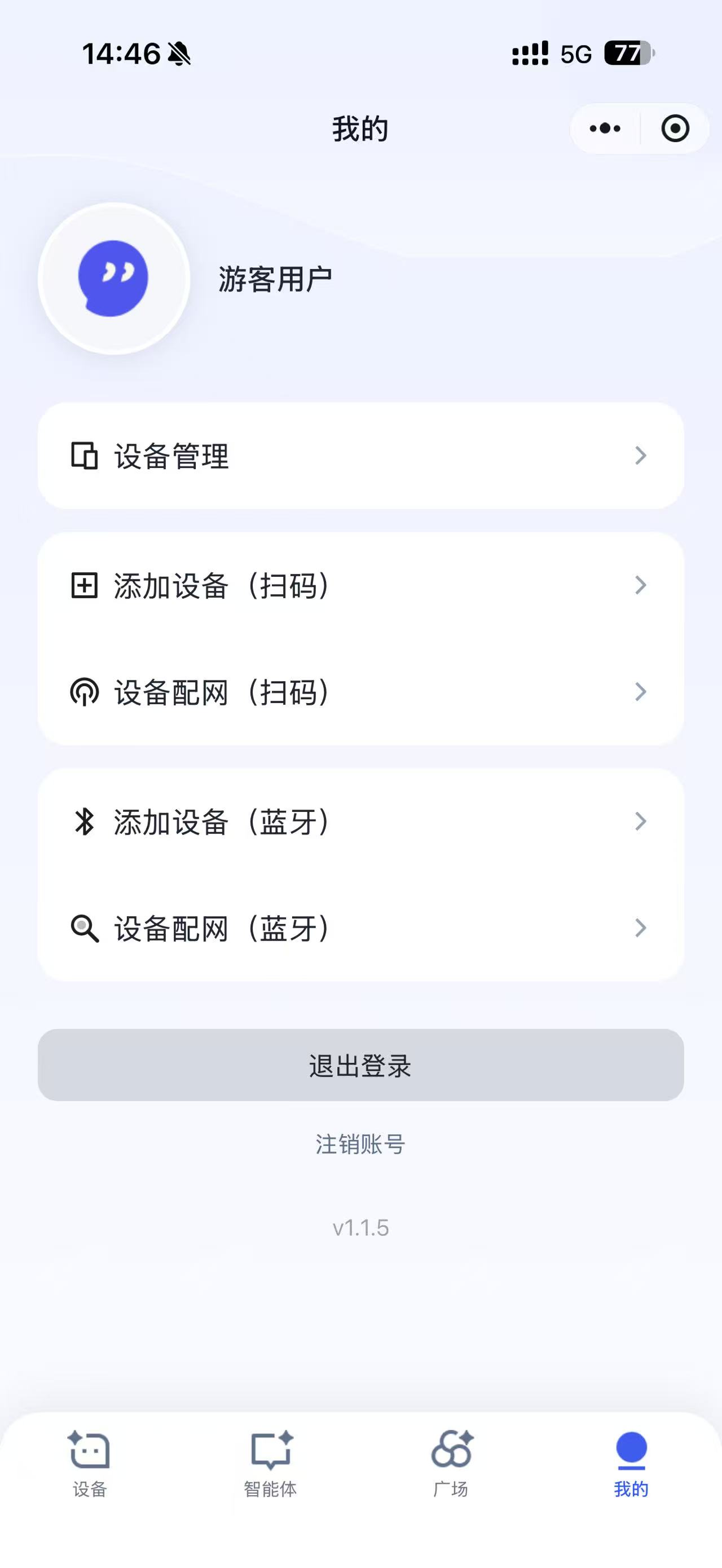
2. Enter "My" and Select Device Network Configuration (Bluetooth)*
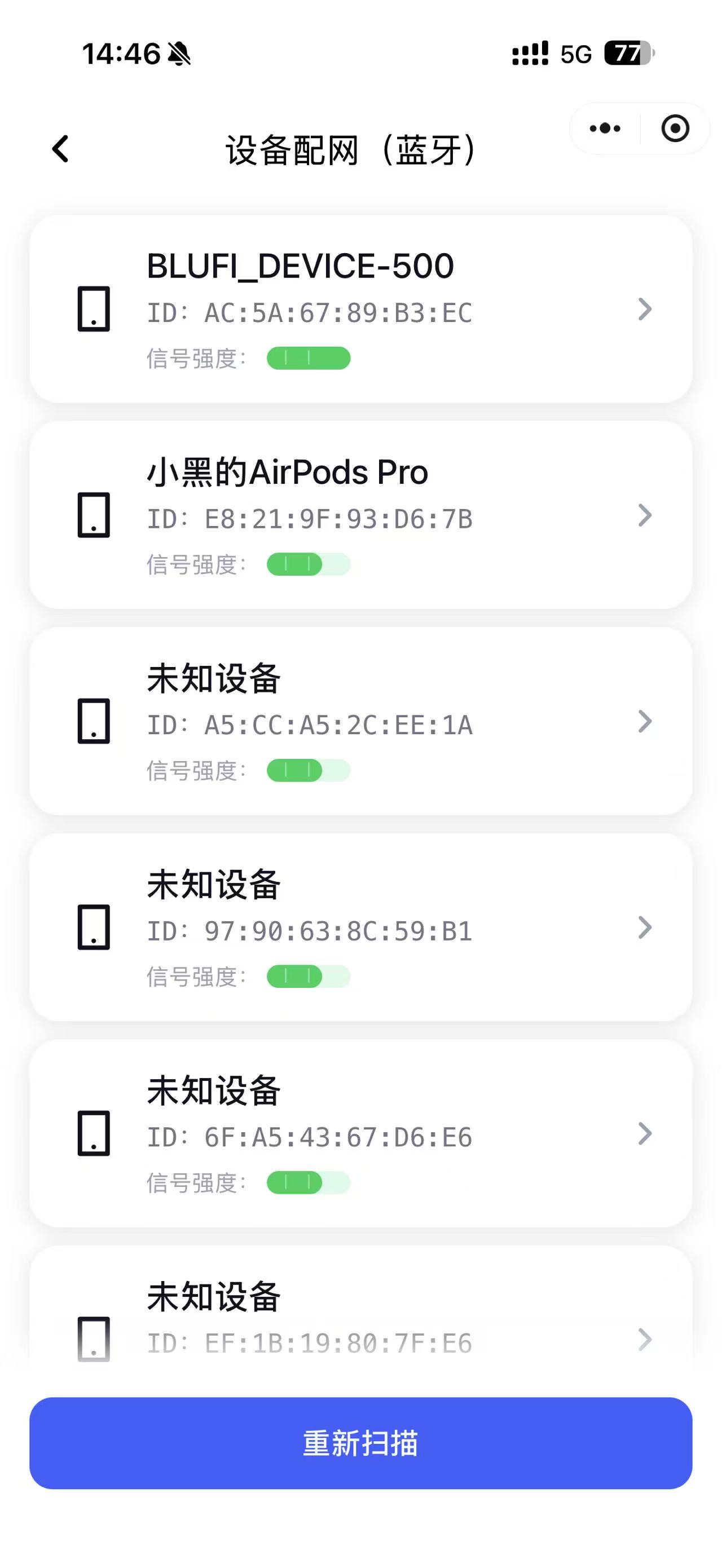
3. Select the Device BLUFI_DEVICE-XXX*
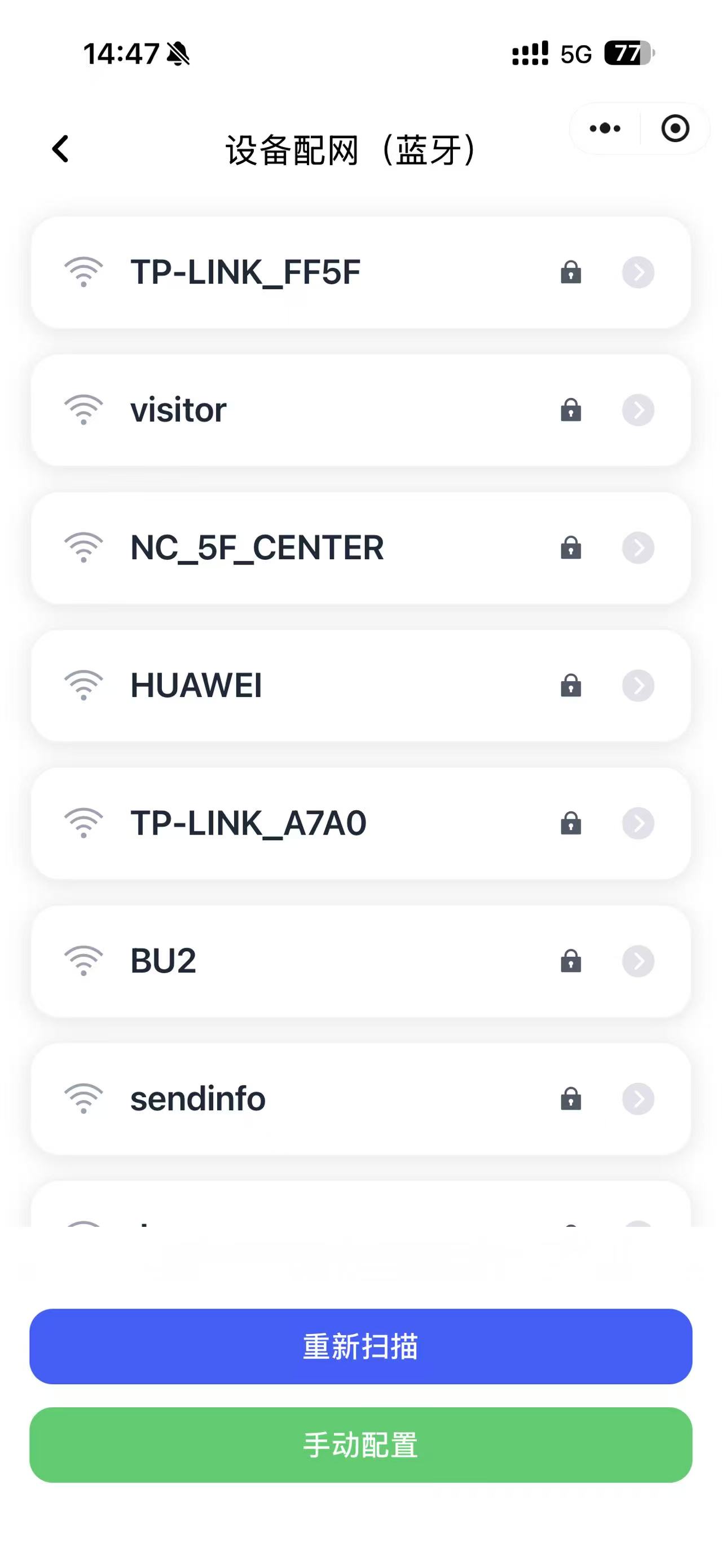
4. Select a Hotspot*
5. After Selecting the Hotspot, Enter the Password, Confirm, and Wait for the Device to Respond*
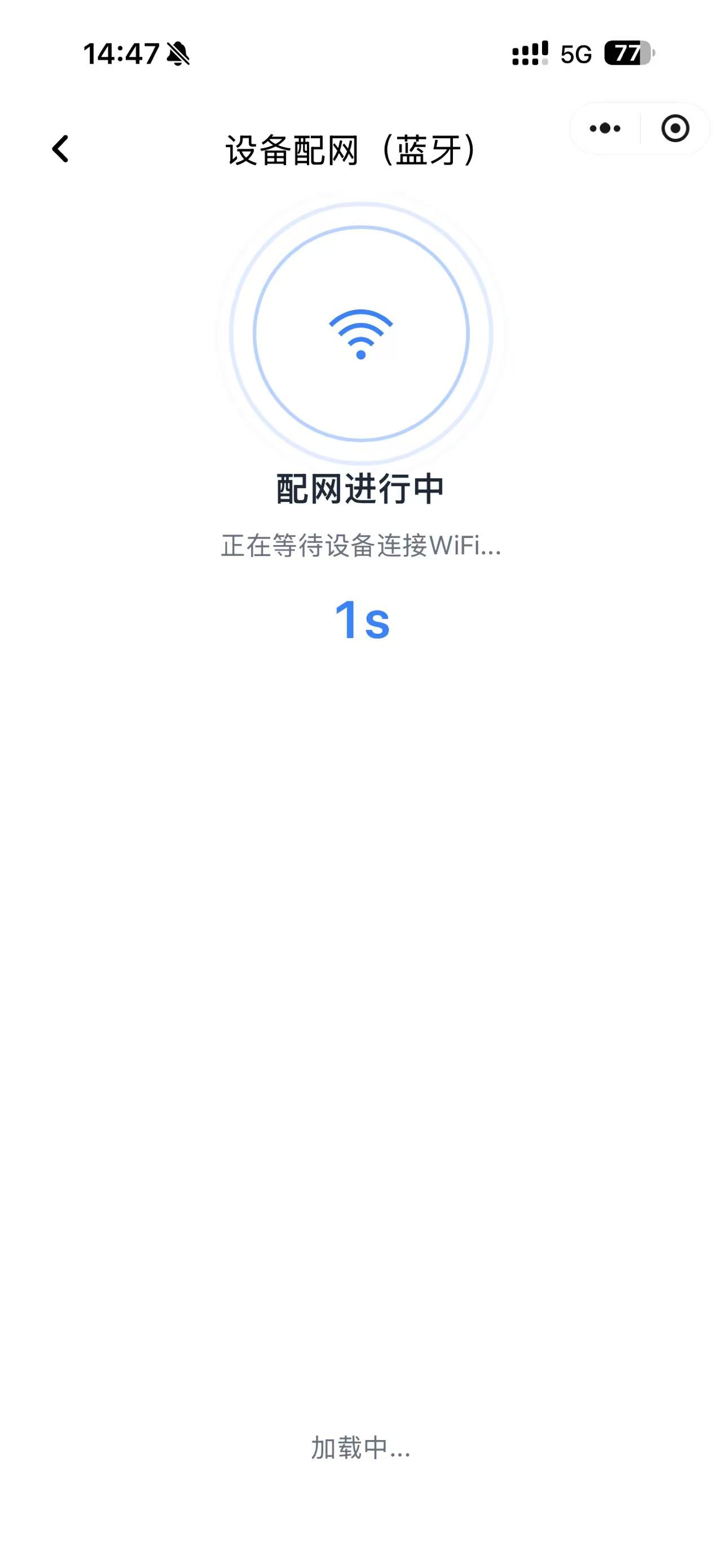
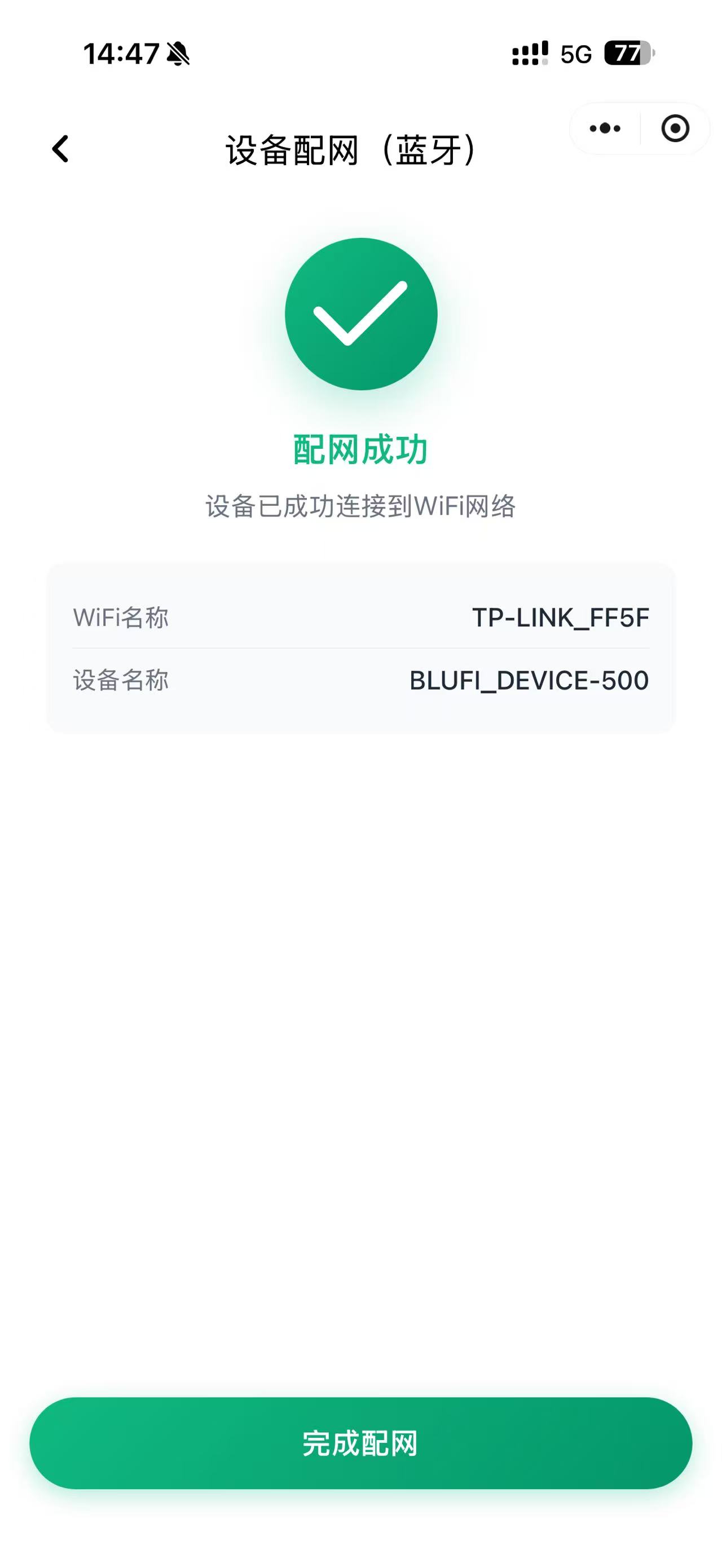
6. Network Configuration Complete*